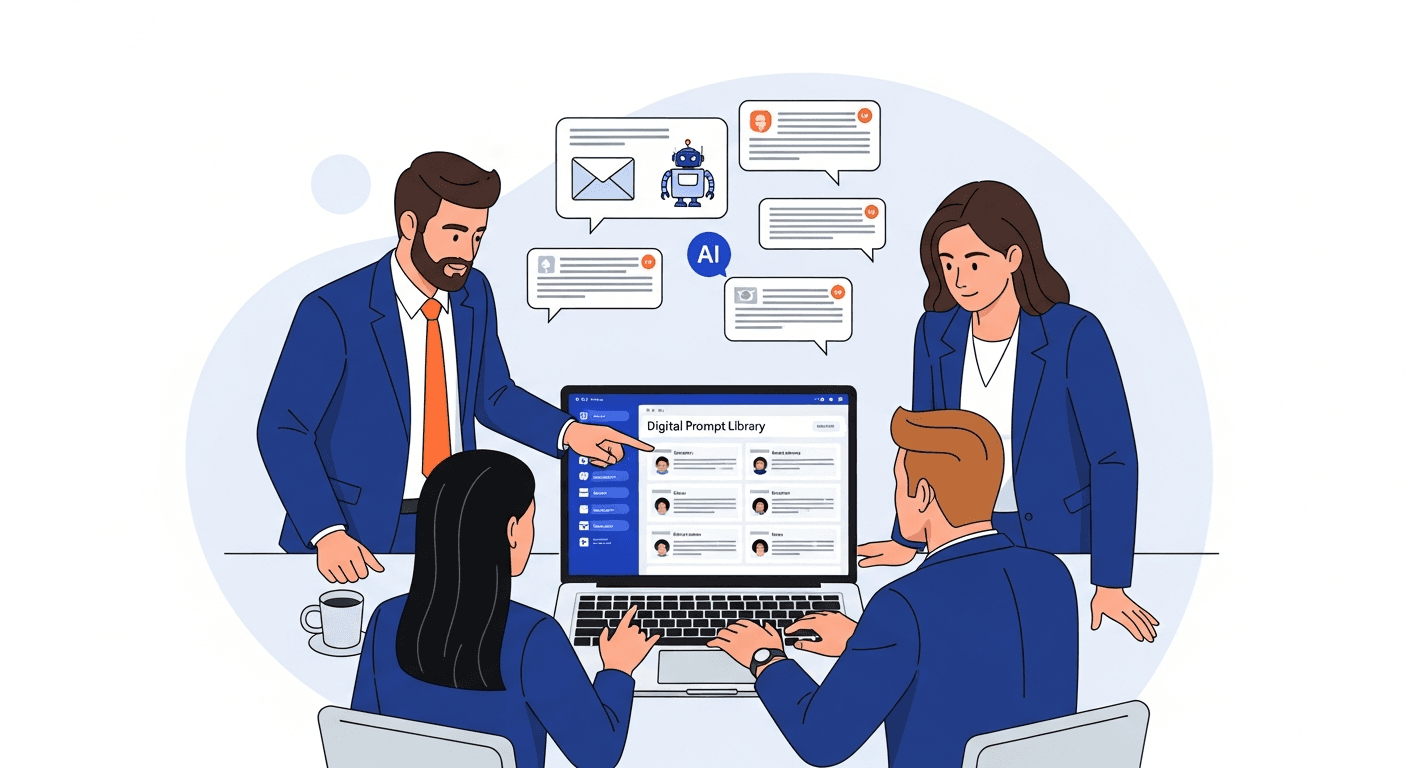
Your top rep cracked the code on cold outreach. They spent three weeks iterating on their AI prompts, figured out exactly how to personalize an opener for a CFO at a mid-market SaaS company, and landed on a follow-up sequence that converts at 40%. That sequence lives in their ChatGPT history. Nobody else on the team uses it.
Meanwhile, the other six reps are each running their own experiments from scratch. Some are getting 8% reply rates. Some are getting 4%. The gap between your best and worst performer is not talent - it is access to better prompts.
This is the core problem with AI prompts for sales teams today: the knowledge exists, but it is siloed. Large language models (LLMs) like ChatGPT and Claude are capable of producing excellent sales outputs - but only when given excellent prompts. The fix is a shared prompt library for sales that captures what works and makes it the team's default.
Where Sales AI Prompts Currently Live (and Why That Is a Problem)
Ask any sales team where their AI prompts are stored. The honest answers:
- "In my ChatGPT history somewhere"
- "I have a Google Doc with a few I copy from"
- "I just write something new each time"
- "I found a good one on LinkedIn and saved it to Notes"
This is not a discipline problem. It is a systems problem. AI prompt knowledge in most sales orgs lives in exactly the same places that sales knowledge used to live before CRMs existed: in individual heads, individual files, and individual conversation histories that disappear when someone quits, gets promoted, or simply clears their browser.
The consequences are specific to sales:
Onboarding drag. New SDRs and AEs spend their first 30-60 days discovering what already exists. The veteran rep's proven outreach prompt is not in any training doc. The new hire writes something from scratch, gets mediocre results, and concludes that AI does not work well for sales.
Performance variance. Your top rep has iterated their discovery call prep prompt 15 times. Your average rep uses a first draft. Both are using "AI-assisted" workflows, but the outputs are not comparable. The tool gets credit for the gap when it is really the prompt quality.
Knowledge loss on attrition. When your best outbound rep leaves, their CRM activity goes with them - but their prompts disappear entirely. There is no handoff process for AI workflows. The institutional knowledge of what actually converts walks out the door. For more on this specific risk, see what happens when a top rep leaves.
No compounding. Each rep's prompt iteration benefits only that rep. The discovery that a specific framing doubles reply rates for fintech prospects never propagates. The team does not get smarter together.
This is why teams keep recreating the same AI prompts over and over: without a system, there is no other option.
The Sales Use Cases That Most Benefit from Shared Prompts
Not all sales AI workflows are created equal. These are the use cases where a shared prompt library creates the most leverage:
Prospecting and Cold Outreach
The highest-volume, highest-variance use case on the list. Every rep writes cold emails differently. Every rep asks AI to personalize openers differently. The result is a spectrum of output quality that has nothing to do with the prospect and everything to do with whose prompt ran the task.
A standardized prospecting prompt for your ICP includes: the prospect's role and company type, the specific pain your product addresses for that segment, the tone and length that fit your brand, and a clear instruction for the opener type (insight, mutual connection, recent trigger event). When every rep uses the same base prompt with their own prospect-specific variables filled in, the output baseline rises across the board.
Variable template example:
Write a cold email opener for a {{prospect_role}} at a {{company_size}} {{industry}} company.
Our product helps {{pain_point}}. The opener should reference {{personalization_hook}} and be no more than 2 sentences.
Tone: {{tone}}. Avoid: generic claims, buzzwords, long setup sentences.
Follow-Up Sequences
Day 3. Day 7. Breakup email. Every sales methodology has a sequence; almost no team has standardized the AI prompts that generate them. Reps either write follow-ups manually or ask AI with vague instructions and get generic output.
A shared follow-up sequence library gives every rep a prompt for each stage: one that references the previous touchpoint context, maintains continuity of message, and escalates urgency appropriately at the breakup stage. The breakup email prompt alone - when written well - often recovers 15-20% of seemingly dead threads.
Objection Handling
Price objections. Timing objections. "We are evaluating your competitor." "I need to get my CFO involved." Each of these has a structure that works and a structure that does not. Your best closers have internalized the effective structure. Your average reps are winging it.
A shared objection handling prompt library translates your best reps' instincts into structured AI outputs that any rep can use. The prompt for a price objection should include: acknowledging the concern without conceding value, pivoting to ROI framing specific to the prospect's stated priorities, and offering a comparison-friendly reframe. That logic lives in the prompt - the rep does not have to reconstruct it in real time.
Call and Meeting Prep
Pre-call research that used to take 30 minutes now takes 5 - if the prompt is right. The right prompt pulls the relevant signals: recent news about the company, common pain points for this role, likely objections based on company profile, and a question framework that maps to your discovery methodology.
Without a shared prompt, every rep defines "prep" differently and the quality of pre-call context varies accordingly. A standardized call prep prompt that takes the prospect's name, company, and role and produces a structured brief ensures every rep walks into discovery with the same depth of preparation.
Deal Summaries and CRM Notes
Post-call documentation is where AI can claw back significant time - but only if the prompt produces CRM-ready output. A generic "summarize this call" prompt produces narrative text. A prompt designed for your CRM structure produces: next steps with owners and dates, key pain points surfaced, objections raised, MEDDIC or BANT fields updated, and a recommended follow-up angle.
The CRM notes prompt is one of the highest-ROI items in any sales prompt library because it is used after every single call and the quality difference between a good and bad prompt directly affects pipeline hygiene.
Proposal and Deck Content Generation
Proposal writing is a time sink. Reps who have mastered the AI-assisted proposal workflow produce first drafts in 20 minutes. Reps who have not spend 3 hours on a document that needs to be rewritten anyway.
A shared proposal generation prompt includes: the prospect's specific use case, the sections required by your proposal template, the tone appropriate for the prospect's seniority level, and instructions for how to present pricing and ROI data. The prompt does not replace the rep's judgment on deal-specific nuances - it eliminates the blank-page problem and the structural inconsistency.
What a Sales Prompt Library Looks Like in Practice
The folder structure that works for sales teams organizes by workflow stage, not by AI tool or rep:
Sales Prompts/
├── Prospecting/
│   ├── cold-email-opener-icp-fit
│   ├── linkedin-connection-request
│   ├── referral-outreach
│   └── trigger-event-opener
├── Follow-Up/
│   ├── day-3-follow-up
│   ├── day-7-follow-up
│   ├── breakup-email
│   └── re-engagement-cold-lead
├── Objection Handling/
│   ├── price-objection
│   ├── timing-not-now
│   ├── competitor-evaluation
│   └── stakeholder-expansion
├── Call Prep/
│   ├── discovery-call-brief
│   ├── demo-prep-summary
│   └── executive-meeting-prep
├── Post-Call/
│   ├── crm-notes-update
│   ├── call-summary-email
│   └── deal-stage-progression-notes
└── Proposals/
    ├── executive-summary-draft
    ├── roi-section-template
    └── competitive-comparison-section
Each prompt uses variable templates so reps fill in the prospect-specific details rather than rewriting the prompt logic:
Prospect role: {{prospect_role}}
Company: {{company_name}}, {{company_size}} employees, {{industry}}
Our product fit: {{icp_match_reason}}
Personalization hook: {{recent_trigger_or_connection}}
Desired outcome: {{call_to_action}}
The prompt logic - the structure, the tone, the instructions that make the output good - stays consistent. The rep only fills in the variable fields.
How Prompt Management Accelerates Sales Onboarding
The typical sales onboarding problem: a new rep takes 3-6 months to reach full productivity. A significant portion of that ramp time is discovering what works - experimenting with outreach angles, learning which objection responses land, figuring out how to prep for calls efficiently.
A sales prompt library compresses that learning curve substantially. On day one, a new rep has access to the team's best prospecting sequences, the proven objection handling frameworks, and the call prep template that veteran reps have refined over months.
They do not need to rediscover what the team already knows. They start from the current best practice, not from scratch.
This also means their early outputs look more like a seasoned rep's outputs. They send better cold emails on week one. They handle objections with more structure from their first calls. Their CRM notes are clean from the start.
Onboarding as a use case alone justifies building the library. Every new hire who ramps 30 days faster is a measurable return on the time invested in prompt standardization. For the broader case on why this matters, see our complete guide to prompt management.
The Compounding Effect: When Your Best Rep's Discovery Becomes the Team's Default
Here is what happens without a prompt library: your best rep discovers that framing cold emails around a specific financial risk relevant to CFOs doubles their reply rate in the enterprise segment. They use this insight every day. The rest of the team never learns it. When that rep leaves or moves to a different role, the insight disappears.
Here is what happens with a shared prompt library: that rep adds their refined prompt to the shared library. The team lead reviews it, sees the results, promotes it to the standard enterprise outreach prompt. Every rep on the team now uses the better framing. The discovery compounds across the entire team's pipeline activity.
This is the core value proposition of a sales AI workflow built on shared prompts: individual improvements become team improvements automatically. The library gets smarter as the team iterates, and every member benefits from every other member's experimentation.
The alternative is a team where each rep's AI workflow is only as good as their own prompt iteration - which means the best rep and the worst rep on your team are running experiments that never cross-pollinate.
For a full breakdown of the tools that support this workflow, see our prompt management tools comparison and the guide to building a shared prompt library for your team.
Getting Sales Team Buy-In on a Shared Prompt Library
The hardest part of sales prompt management is not building the library - it is getting reps to use it instead of their own informal systems.
Two things drive adoption:
The library has to be faster than the alternative. If accessing a saved prompt requires switching to a browser tab, navigating to a shared doc, and copying - most reps will not do it during a live workflow. A browser extension that surfaces the library inside ChatGPT or Claude in one click removes that friction entirely. Speed is the adoption driver, not policy.
The first contributions have to come from respected reps. Seed the library with prompts from your top performers. When a new rep sees that the breakup email sequence in the library belongs to the rep who just closed the quarter's biggest deal, they use it. Sales is a culture of results - the library earns credibility from the results of the prompts in it, not from the existence of the library itself.
Sales enablement teams that have successfully rolled out shared prompt libraries typically tie the launch to a concrete workflow: "Starting Monday, every post-call CRM note is generated using this prompt." One forced adoption point creates the habit. After two weeks of using the library for one task, reps voluntarily explore it for others.
Frequently Asked Questions
How should I organize a sales prompt library?
Organize by workflow stage: Prospecting, Follow-Up, Objection Handling, Call Prep, Post-Call, and Proposals. Within each folder, name prompts by the specific task they perform (not by who created them or which AI tool they work in). Add tags for ICP segment, deal stage, and model compatibility so reps can filter by context.
What AI tools do sales teams use most?
ChatGPT (GPT-4o) is the most widely used, followed by Claude for longer-form drafting and analysis tasks. Some teams use Gemini for research-heavy workflows, and enterprise sales teams on Microsoft run Copilot for Dynamics and Sales Copilot. Salesforce has its own AI layer (Einstein) and HubSpot integrates AI into its CRM workflows. The good news: a well-written prompt works across all major LLMs with minor adjustments. Build model-agnostic prompts and tag the ones that perform noticeably better in a specific model.
Can you use the same prompts in ChatGPT and Claude?
Yes, with minor tweaks. Most sales prompts are portable across models. The main differences: Claude handles longer context better and tends to produce more structured output without explicit formatting instructions. ChatGPT tends to be more concise by default. Write your prompts for the task, test them in both, and note which model produces better output for each use case.
How do you share prompts with the sales team?
The most effective method is a purpose-built prompt management tool with a browser extension. A browser extension puts the prompt library one click away inside ChatGPT, Claude, or any other AI tool - no switching tabs, no copying from a Google Doc. Teams that use a shared folder in Google Docs or Notion see lower adoption because the access friction is too high for daily use.
Does AI prompt management work with CRM?
Yes, through the post-call workflow. A CRM notes prompt that produces structured output matching your CRM fields - next steps, pain points, objection log, deal stage rationale - makes CRM hygiene significantly easier. The rep copies the AI output directly into the relevant fields. Some teams also use prompt templates for generating follow-up email drafts that get logged to the CRM automatically. Prompt management does not integrate directly with CRM software, but it standardizes the AI output that feeds into it.
Stop Leaving Your Best Sequences in One Rep's Chat History
The tools are not the problem. Every sales rep already has access to ChatGPT or Claude. The problem is that the prompts that make those tools produce great sales outputs are sitting in individual histories, personal notes, and the institutional memory of your best performers.
A shared sales prompt library with variable templates, browser extension access, and a clear folder structure converts individual AI experimentation into a team capability. Your best rep's discovery becomes the team's default. New hires ramp faster. Onboarding gets a playbook. And the gap between your top performer and your median performer starts to close.
PromptAnthology gives sales teams a shared prompt library with browser extension access from inside ChatGPT and Claude, variable templates for prospect-specific personalization, role-based permissions, and version history so you can track what changed and roll back if quality drops. Start your free trial and have your first shared sales sequence live in 15 minutes.