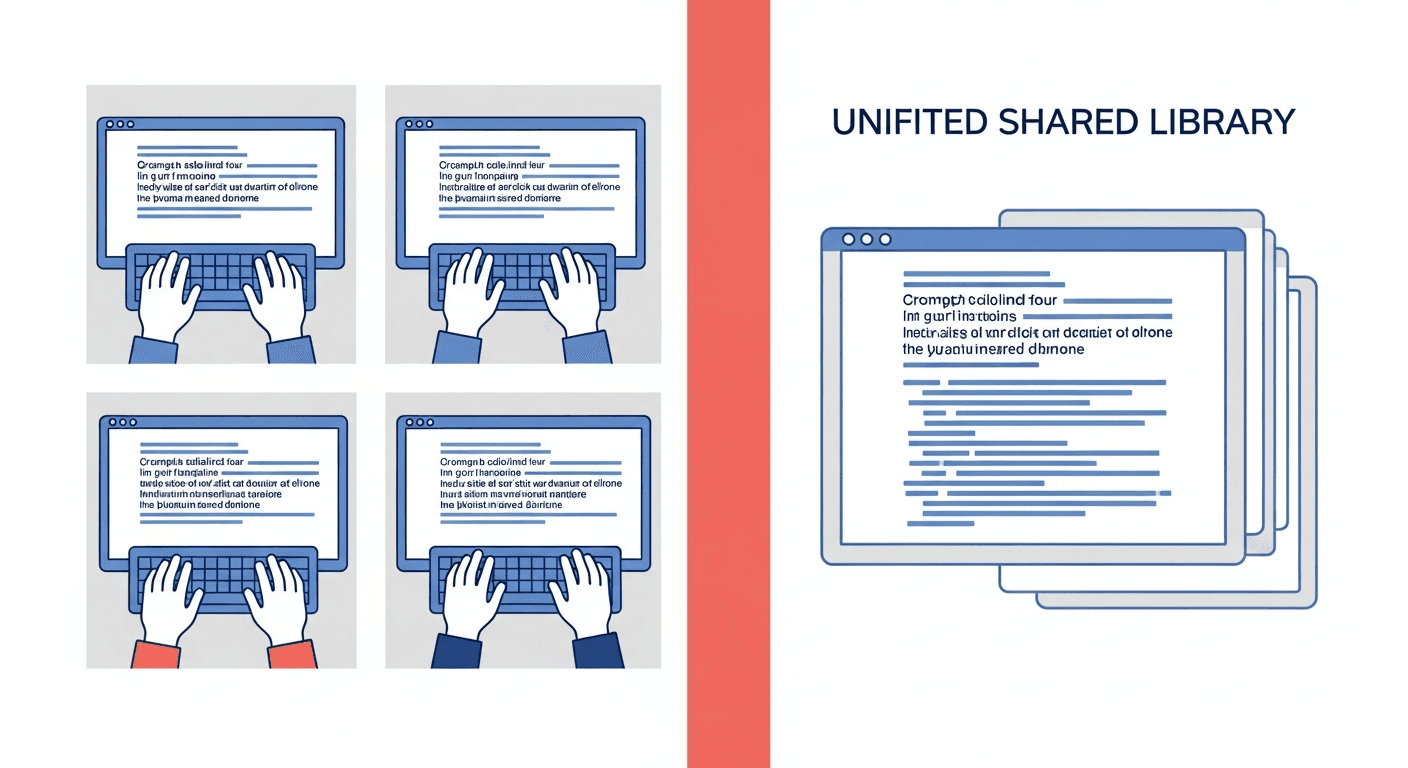
Your marketing lead spent 20 minutes crafting the perfect ChatGPT prompt for writing on-brand social media posts. It produced great results. Meanwhile, three other team members were doing the exact same thing, each writing their own version of the same prompt from scratch.
This is not a one-time event. It happens every single week in teams across every industry. Knowledge workers waste an average of 8.2 hours per week searching for, recreating, and duplicating information they or their colleagues have already created. For AI prompts specifically, the problem is accelerating as teams adopt generative AI tools at record speed.
The root cause is not laziness or poor communication. It is the absence of a system. And the fix is simpler than most teams realize.
The Scale of the Problem
AI adoption has crossed a tipping point. 92% of Fortune 500 companies now use ChatGPT across departments. OpenAI reports that weekly messages in ChatGPT Enterprise increased 8x in a single year. The average active user submits 20 or more prompts per day.
But here is the disconnect: while AI usage is surging, almost no team has a system for managing the prompts that power that usage. The result is what researchers call prompt sprawl, the uncontrolled proliferation of duplicate, inconsistent, and undocumented prompts across an organization.
According to APQC, an enterprise of 1,000 knowledge workers wastes approximately $5 million per year on duplicated information. Panopto research shows the average knowledge worker spends 209 hours per year recreating knowledge that already exists somewhere in the organization.
That is more than five full work weeks per person, per year, spent rebuilding what someone else already built.
The 5 Root Causes of Prompt Duplication
Understanding why your team recreates the same prompts is the first step toward fixing it. Here are the five patterns that drive prompt sprawl in nearly every organization.
1. No Single Source of Truth
Prompts live in individual chat histories, personal Notion pages, scattered Google Docs, Slack threads, sticky notes, and browser bookmarks. There is no central place where a team member can search for "do we already have a prompt for this?" before creating a new one.
Without a searchable, shared repository, every team member operates as if they are the first person on the team to need a particular prompt.
2. No Version Control
When someone does share a prompt, it gets copied and modified independently by multiple people. There is no way to track which version is the most current, which edits improved it, and which changes broke it. The prompt forks into dozens of undocumented variants.
Software teams solved this problem decades ago with Git. Most teams have no equivalent for their AI prompts.
3. Knowledge Silos Between Team Members
Your best prompt engineer might sit three desks away from someone struggling with the exact problem they have already solved. But without a culture and system for prompt sharing, expertise stays locked inside individual workflows.
73% of organizations report struggling with AI output inconsistency across team members. The primary driver is not the AI model; it is the variation in prompt quality between people.
4. No Onboarding Process for AI Tools
When a new team member joins, they typically get access to ChatGPT or Claude and are told to "figure it out." There is no library of proven prompts to start from, no documentation of what works, and no way to benefit from months of prompt refinement done by their predecessors.
The result: every new hire repeats the same trial-and-error learning curve that everyone before them already completed.
5. No Way to Measure What Works
Without tracking which prompts produce the best results, teams cannot systematically improve. High-performing prompts are not identified, documented, or promoted. Poor-performing prompts are not retired. Every interaction is treated as a one-off experiment rather than a building block.
What Prompt Sprawl Actually Costs Your Team
The costs of prompt duplication compound across four dimensions that most teams underestimate.
Wasted Time
A single prompt recreation might take 10 to 30 minutes. Multiply that across a team of 10 people, each recreating 3 to 5 prompts per week, and you lose 25 to 100 hours per month of productive time. Over a year, that is the equivalent of losing a full-time employee to work that has already been done.
McKinsey research shows knowledge workers spend 1.8 hours per day, or 9.3 hours per week, searching for and gathering information. AI prompts are now a growing share of that wasted search time.
Inconsistent Outputs
When five people write five different prompts for the same task, they get five different outputs. For customer-facing content, this means inconsistent brand voice, tone, and messaging. Only 23% of enterprises use their brand voice guidelines to train AI tools, and the result shows.
Research from Lucidpress shows that brand consistency increases revenue by 10 to 33%. Every inconsistent AI output that reaches customers erodes that consistency.
Lost Institutional Knowledge
When a team member leaves, changes roles, or simply forgets how they crafted a particularly effective prompt, that knowledge disappears. There is no documentation, no handoff, and no way for the team to build on what was learned.
Fortune 500 companies lose an estimated $31.5 billion per year from failures in knowledge sharing. AI prompts are the newest and fastest-growing category of institutional knowledge being lost.
Governance and Compliance Risk
Unmanaged prompts create blind spots for compliance. Teams have no visibility into what instructions are being given to AI tools, whether sensitive data is being included in prompts, or whether outputs meet regulatory standards. For industries with strict compliance requirements, prompt sprawl is not just inefficient; it is a liability.
How High-Performing Teams Solve This
Organizations that have standardized their prompt management report measurably better outcomes. According to AICamp research, organizations with standardized prompt libraries achieve 3.2x more consistent AI outputs and 40% better ROI on AI investments.
Here is what those teams do differently.
They Build Centralized Prompt Libraries
High-performing teams maintain a single, searchable repository of approved prompts organized by department, use case, and AI model. Every team member knows where to look before creating a new prompt.
This is not a Google Doc with a list of prompts. It is a structured, categorized, and searchable system that makes finding the right prompt faster than writing a new one.
They Use Templates With Variables
Instead of static prompts, leading teams build reusable templates with customizable variables. A social media prompt becomes a template where the topic, tone, platform, and audience are swappable fields. One template replaces dozens of near-duplicate prompts.
They Assign Prompt Stewards
Someone owns the prompt library. This person or small group reviews submissions, retires outdated prompts, resolves duplicates, and ensures quality standards. Without ownership, prompt libraries become graveyards within weeks.
They Track What Works
Teams that measure prompt performance, through reuse rates, output quality ratings, and user feedback, can systematically invest in their best prompts and deprecate underperformers. This turns prompt management from a filing exercise into a competitive advantage.
They Integrate Prompts Into Workflows
The best prompt libraries are not separate destinations that require extra steps. They are embedded into the tools people already use through browser extensions, Slack integrations, or API connections that put the right prompt one click away.
How to Build Your Team's Prompt System in 5 Steps
You do not need months of planning or a dedicated budget. Here is a practical roadmap that teams can execute in under a week.
Step 1: Audit What Already Exists
Survey your team. Ask everyone to share their top 10 most-used prompts. You will likely discover massive overlap, confirming the duplication problem, and you will also find hidden gems that deserve wider distribution.
Collect prompts into a single document as a starting point. Note which prompts overlap and which are unique.
Step 2: Choose a Central Repository
Pick a platform that your team will actually use. The best tool is the one that creates the least friction. If your team uses multiple AI tools, we have a detailed comparison of prompt management tools for multi-AI teams.
Dedicated prompt managers like PromptAnthology offer the lowest friction with browser extensions, team sharing, folder organization, variable templates, and one-click access from any AI tool.
General-purpose tools like Notion or Obsidian can work but require manual copy-paste workflows and lack AI-specific features like variables and quick-inject.
Git repositories work for developer-heavy teams who want version control but create barriers for non-technical users.
Step 3: Organize by Function, Not by Person
Structure your library around how work gets done, not who does it:
- Marketing: Social posts, email campaigns, ad copy, SEO content
- Sales: Outreach sequences, proposal drafts, objection handling
- Engineering: Code review, documentation, debugging, architecture
- Support: Response templates, escalation, knowledge base articles
- Analysis: Data summarization, reporting, research synthesis
Add tags for cross-cutting categories like "brand voice," "customer-facing," or "internal."
Step 4: Standardize the Format
Every prompt in your library should include:
- Title: Clear, searchable name describing what the prompt does
- The prompt: Full text with variable placeholders marked
- Variables: List of customizable fields with example values
- Best model: Which AI tool or model this prompt works best with
- Example output: What a good result looks like
- Owner: Who to contact with questions
Step 5: Launch and Iterate
Start with your 15 to 20 most-used prompts. Make them available to the entire team. Gather feedback after two weeks. Add new prompts based on what people request.
Teams using systematic prompt management report 40 to 60% faster iteration cycles on AI-powered workflows within the first 90 days.
The Compounding Return of Shared Prompts
Prompt management is not a one-time cleanup exercise. It is a compounding investment. Every prompt added to your library is institutional knowledge that:
- Survives turnover: When people leave, their best work stays
- Scales across the org: One great prompt serves everyone, not just its creator
- Improves over time: Shared prompts get refined by multiple people
- Accelerates onboarding: New hires start with proven prompts on day one
- Drives consistency: Every team member produces on-brand, high-quality outputs
Gartner predicts that by 2027, 85% of mature AI organizations will have standardized prompt libraries. The teams that build this capability now will have a two-year head start in AI-powered productivity.
Frequently Asked Questions
What is prompt sprawl?
Prompt sprawl is the uncontrolled proliferation of duplicate, inconsistent, and undocumented AI prompts across an organization. It occurs when team members independently create prompts for the same tasks without a shared system, leading to wasted time, inconsistent outputs, and lost institutional knowledge.
How much time does prompt duplication waste?
Research shows knowledge workers spend 209 hours per year recreating information that already exists in their organization. For teams actively using AI tools, prompt duplication can waste 25 to 100 hours per month depending on team size, equivalent to losing a full-time employee to redundant work.
What is a prompt library?
A prompt library is a centralized, organized repository of AI prompts that a team or organization shares. It typically includes categorized prompts with descriptions, variable templates, usage guidelines, and example outputs, allowing anyone to find and reuse proven prompts instead of writing new ones from scratch.
How do I standardize prompts across my team?
Start by auditing existing prompts across your team, identifying the most-used and most-effective ones. Choose a central repository, organize prompts by function, establish a standardized format, and assign ownership for maintenance. Organizations with standardized prompt libraries achieve 3.2x more consistent AI outputs.
What tools exist for team prompt management?
Dedicated prompt management tools like PromptAnthology offer purpose-built features including browser extensions, team sharing, folder organization, and variable templates. General-purpose tools like Notion or GitHub can be adapted but require more manual effort and lack AI-specific features.
How do I measure ROI from prompt management?
Track three categories of metrics: usage metrics like prompt reuse rates and active users per week, quality metrics like output consistency scores and prompt ratings, and impact metrics like estimated time saved, onboarding speed improvements, and reduction in duplicate prompt creation.
How do I maintain brand voice with shared prompts?
Include brand voice guidelines directly in your prompt templates as system instructions or context blocks. Create approved prompt templates for customer-facing content that embed your tone, style, and messaging frameworks. Review and update these templates quarterly as your brand voice evolves.
What is the difference between prompt management and prompt engineering?
Prompt engineering is the skill of crafting effective prompts for AI models. Prompt management is the system for organizing, sharing, versioning, and governing those prompts across a team. Prompt engineering creates value; prompt management preserves and scales that value across the organization.
Stop Recreating, Start Compounding
Every week your team spends recreating prompts that already exist is a week of compounding value lost. The fix does not require a massive investment or organizational change. It requires a shared system and the discipline to use it.
Start today: ask your team to share their top 10 prompts. You will be surprised how much duplicated effort you uncover, and how much time you can reclaim.
For the full system behind eliminating prompt duplication - libraries, versioning, team sharing, and the workflows that make it stick - see our complete guide to prompt management.
Ready to eliminate prompt duplication? PromptAnthology gives your team a shared prompt library with browser extension access, folder organization, variable templates, and one-click sharing. Start your free trial and stop recreating prompts your team already perfected.