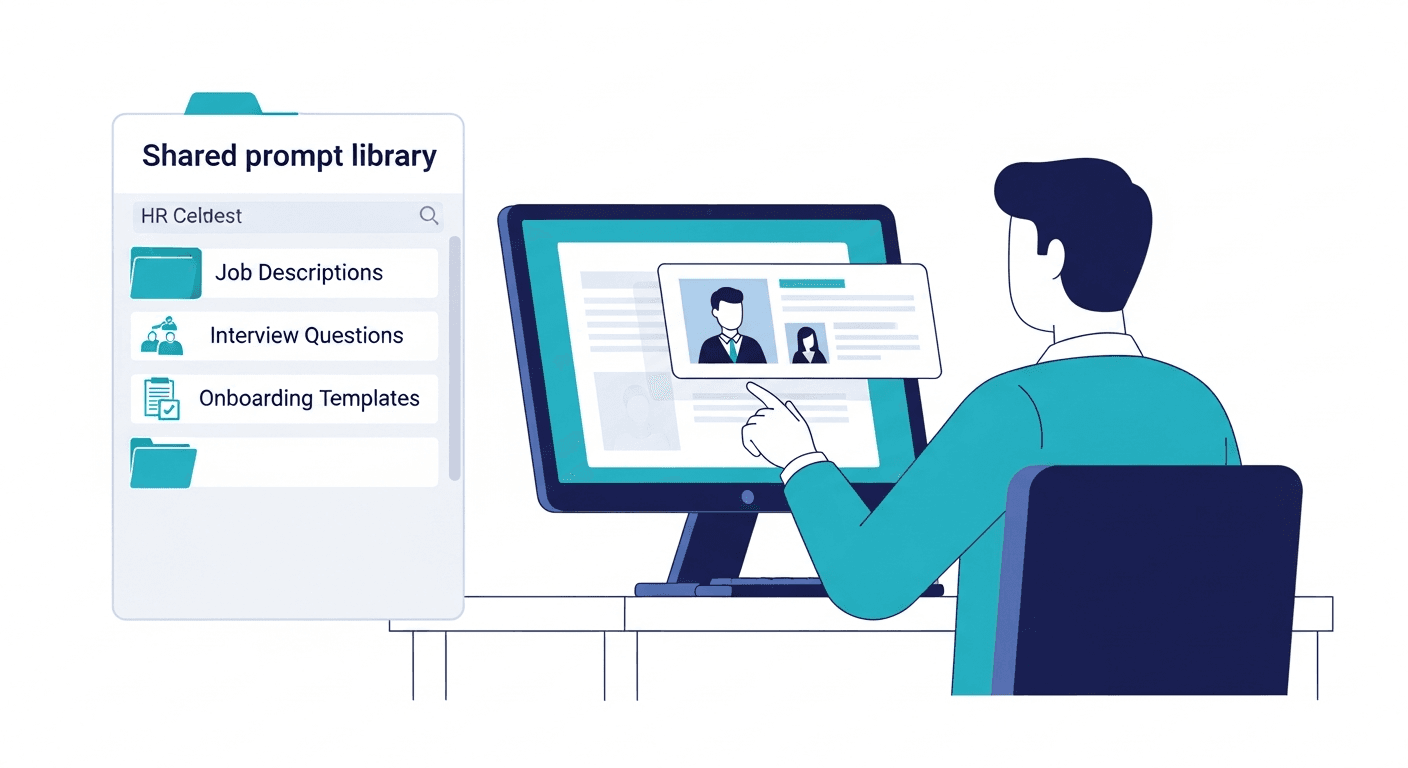
AI prompt management for HR teams means storing, standardizing, and sharing the prompts your recruiters and people ops managers use across the full talent lifecycle - from job description writing through performance review drafting - in a shared library every team member can access from inside ChatGPT, Claude, or Gemini without tab-switching or rebuilding from scratch.
Your senior recruiter spent three weeks perfecting their LinkedIn InMail sequence. They tested a dozen variations in ChatGPT, refined the opening hook, dialed in the tone for passive candidates, and landed on a sourcing message that gets responses from people who ignore everything else. That message lives in their personal ChatGPT history. Nobody else on the team uses it. When they leave for a competing firm next quarter, it disappears entirely.
Meanwhile, the rest of the recruiting team is writing sourcing outreach from scratch every time. Some of it is good. Most of it is generic. All of it is inconsistent with what the senior recruiter sends. The tool is the same - the prompt quality is the gap.
This is the core problem with AI prompts for HR teams today: the knowledge exists, it works, and it is trapped in individual accounts. The fix is a shared HR prompt library that captures what works and makes it every recruiter's starting point.
Where HR and Recruiting Prompts Currently Live
Ask any HR team where their AI prompts are stored. The honest answers:
- "In my ChatGPT history somewhere"
- "I have a Google Doc with a few templates, but nobody updates it"
- "I found a good JD prompt on LinkedIn and saved it to Slack six months ago"
- "I just write something new each time"
This is not a discipline problem. It is a systems problem. Your ATS (Applicant Tracking System) - whether it is Greenhouse, Lever, or Workday - stores candidate data, pipeline stages, and hiring activity. It does not store the prompts your recruiters use to generate job descriptions, sourcing outreach, or interview questions. That knowledge lives outside every system of record your HR team maintains.
The consequences are specific to recruiting and people ops:
Inconsistent job descriptions. When every recruiter writes their own JD prompt, the output varies in structure, tone, required qualifications, and language. Inconsistent JDs affect how candidates experience your employer brand and how well your postings rank on LinkedIn and Indeed for relevant talent searches. They also create EEOC compliance exposure when individual recruiters inadvertently include language that creates disparate impact.
Sourcing outreach quality variance. Your best sourcer's LinkedIn InMail converts at a much higher rate than the rest of the team's because their prompt gives the LLM better instructions. The gap between them is prompt quality, not effort.
Knowledge loss on attrition. Recruiting teams have high turnover. Every recruiter who leaves takes their iterated, refined prompt library with them. There is no offboarding process for AI workflows. See what happens to AI prompts when an employee leaves for why this matters more than most HR teams realize.
Onboarding drag. New recruiters spend their first weeks discovering what the team already knows. The proven JD template, the outreach sequence that works for engineering candidates, the STAR method interview question framework - none of it is in any system they can access on day one.
This is why teams recreate the same AI prompts over and over: without a shared library, every person starts from zero.
The HR and Recruiting Use Cases That Most Benefit from Shared Prompts
Not every HR workflow benefits equally from prompt standardization. These six use cases generate the most leverage when prompts are shared across the team.
Job Description Writing
Job descriptions are the highest-volume, highest-stakes writing task in talent acquisition. Every open role needs one. Every recruiter writes them slightly differently. The output quality - and the compliance risk - varies accordingly.
A standardized JD prompt with variable templates produces consistent structure and language across every posting while still accommodating the specifics of each role:
Write a job description for a {{job_title}} role at a {{company_type}} company.
Department: {{department}}. Seniority: {{seniority_level}}.
Required skills: {{required_skills}}.
Tone: {{tone}}. Include: responsibilities, requirements, and team context.
Avoid: gendered language, vague buzzwords, unnecessary barriers to application.
Consistent JDs improve discoverability on LinkedIn and Indeed because search algorithms reward clear, structured postings that match candidate query patterns. They also reduce EEOC compliance risk - when every JD goes through the same reviewed template with explicit instructions to avoid gendered language and unnecessary credential requirements, bias risk becomes a template maintenance problem rather than a per-recruiter behavior problem.
Sourcing and Outreach Messages
LinkedIn InMail and cold outreach quality is almost entirely a function of prompt quality. A generic "write me a LinkedIn message for this candidate" prompt produces generic output. A structured sourcing prompt that specifies the candidate's background, your value proposition for that specific profile, and explicit length and tone instructions produces something a passive candidate actually reads.
Write a sourcing message for a {{job_title}} role.
Candidate background: {{candidate_background}}.
Company value prop for this candidate: {{value_proposition}}.
Length: 3 sentences. Tone: direct and specific. Avoid: generic compliments, vague benefits.
When every recruiter on the team uses this template as their starting point, the team's overall outreach quality rises without requiring every recruiter to independently discover what makes a good sourcing message.
Interview Question Generation
Role-specific interview questions are time-consuming to write well. Most recruiters either reuse the same generic questions across roles or ask an LLM with vague instructions and get vague output.
A shared interview question prompt that takes {{role}}, {{seniority}}, and {{competency_focus}} as variables produces role-specific behavioral and technical questions grounded in the STAR method and competency-based interviewing principles. The output is structured: behavioral questions that reveal past performance, technical questions calibrated to seniority, and follow-up probes for each competency area.
When every recruiter uses the same generation framework, the questions a hiring manager receives from a first-year recruiter are comparable in quality to those from a five-year veteran. Consistency in interview quality also matters for EEOC purposes - asking meaningfully different questions across candidate pools is a compliance problem.
Candidate Screening Summaries
After reviewing a resume, a recruiter needs to communicate fit to a hiring manager quickly and clearly. Without a standard structure, screening summaries range from detailed narrative paragraphs to three-word bullet points depending on who wrote them.
A shared screening summary prompt ensures every recruiter summarizes to the same structure: overall fit assessment, relevant experience highlights, identified skill gaps, suggested interview focus areas. Hiring managers receive consistent, actionable summaries regardless of which recruiter ran the screen. The prompt does not make the judgment call - the recruiter does. It structures how that judgment is communicated.
Offer and Rejection Communications
Verbal offer outlines, rejection emails, interview scheduling communications - each of these gets drafted dozens of times per recruiter per quarter. Each one is also a candidate-facing touchpoint that shapes your employer brand.
Variable templates for each communication type cut drafting time dramatically and ensure tone consistency across the candidate experience. A rejection email prompt that explicitly instructs the LLM to be specific, warm, and forward-looking produces a meaningfully better candidate experience than a generic "unfortunately we will not be moving forward" generated without guidance.
Performance Review Writing
The manager use case often gets overlooked in HR prompt discussions, but it is one of the highest-volume, highest-friction writing tasks in people ops. Managers dread performance review cycles. Most of the dread is the blank page.
A shared performance review prompt with structured variable templates converts rough notes into a well-organized, fair, and specific review draft:
Write a performance review for {{employee_name}} covering {{review_period}}.
Key achievements: {{key_achievements}}.
Development areas: {{development_areas}}.
Tone: {{tone}}.
Structure: summary paragraph, achievements section with specific examples, development areas with actionable suggestions, overall rating rationale.
When managers across the organization use the same reviewed template, review quality becomes more consistent. Structured, specific reviews also reduce the risk of reviews that unintentionally reflect bias in language or emphasis.
A Note on Compliance and Bias in HR AI Prompts
Most posts about AI for recruiting treat compliance as a footnote. It is not. It is a differentiator for teams that manage their prompts well.
EEOC regulations require that hiring processes do not create disparate impact on protected classes. AI-generated content - job descriptions, screening criteria, interview questions - can encode bias if the prompts that generate it are not reviewed for bias-introducing language. The risk is not theoretical: JDs with masculine-coded language attract fewer female applicants; credential requirements that are not job-essential screen out qualified candidates from underrepresented groups.
A shared prompt library makes bias auditing and active bias reduction possible in a way that individual prompts in personal ChatGPT accounts do not. When every recruiter uses the same JD template, you can audit that template once rather than trying to review every recruiter's individual approach. The "avoid gendered language" instruction in a shared JD prompt is not a stylistic preference - it is a governance feature.
Version history on prompts adds another compliance benefit. When your legal or compliance team asks what changed in your JD template after a policy update, you can show them exactly what the prompt said before and after, and when the change was made. That audit trail does not exist when prompts live in personal chat histories.
For organizations thinking about this at the enterprise level, see enterprise-level prompt governance for the full framework.
What an HR Prompt Library Looks Like in Practice
The folder structure that works for HR and recruiting teams organizes by workflow function, not by AI tool or team member:
HR Prompts/
├── Talent Acquisition/
│   ├── job-description-template
│   ├── linkedin-sourcing-message
│   ├── inmail-outreach-template
│   └── referral-program-outreach
├── Recruiting Process/
│   ├── screening-summary-template
│   ├── interview-questions-behavioral
│   ├── interview-questions-technical
│   └── debrief-summary-template
├── Candidate Communications/
│   ├── application-acknowledgment
│   ├── interview-invitation
│   ├── rejection-email-post-screen
│   └── rejection-email-post-interview
├── Offers and Onboarding/
│   ├── verbal-offer-outline
│   ├── onboarding-welcome-email
│   └── 30-60-90-day-plan-draft
└── People Ops/
    ├── performance-review-template
    ├── pip-documentation-outline
    └── employee-feedback-request
Each prompt in this library uses variable templates so team members fill in the role-specific details - the job title, the candidate's background, the employee's name - not the prompt logic. The logic that makes the output good stays in the shared prompt. The recruiter only supplies the context that changes from use to use.
This is the core mechanic of a useful prompt library: separating the reusable instruction logic from the variable inputs. A recruiter using the linkedin-sourcing-message prompt does not need to think about how to instruct the LLM to write a good InMail. That thinking happened once, was tested, and is now available to the whole team.
For a broader look at how teams structure shared prompt libraries across functions, see how to build a prompt library for your team.
Getting HR Team Buy-In on a Shared Prompt Library
HR teams are more compliance-aware than most departments. That awareness is actually an advantage when introducing shared prompt management - because the governance framing resonates in ways that a pure productivity pitch does not.
"We are standardizing our AI prompts so every JD goes through a reviewed template" is a compliance and quality argument. It is more compelling to an HR leader than "this saves you time." Lead with the governance benefit: consistent outputs, auditable templates, version history for compliance teams. The productivity gain is real and significant - but it is the supporting argument, not the lead.
The forcing function that works. The teams that successfully roll out a shared HR prompt library typically anchor it to one specific workflow first. "Every new JD goes through the shared template starting this month" is a concrete, enforceable starting point. One forced adoption point creates the habit. After using the library daily for JDs, recruiters naturally explore it for sourcing outreach and interview questions.
Version history as an audit-trail benefit. When you frame version history as "we can show Legal exactly what our JD template said and when it changed," it becomes a feature HR leadership actively wants rather than a nice-to-have.
Access friction is the adoption killer. A shared Google Doc with prompts has a 30-second access path during a live recruiting workflow: open new tab, navigate to Drive, find the doc, find the right prompt, copy it, paste it. Most recruiters will not do that when they are in the middle of sourcing. A browser extension that surfaces the library inside ChatGPT or Claude in one click removes that friction. Speed drives adoption, not policy.
For more on why well-intentioned shared prompt systems fail, see why teams recreate the same AI prompts and the complete guide to prompt management.
Frequently Asked Questions
How do HR teams use AI prompts?
HR and recruiting teams use AI prompts across the full talent lifecycle: writing job descriptions, drafting sourcing messages for LinkedIn InMail and cold outreach, generating role-specific interview questions using competency-based interviewing frameworks, summarizing candidate screenings, drafting offer communications, and writing performance reviews. Each of these use cases benefits from a standardized prompt template rather than ad-hoc rewrites. When prompts are shared across the team in a managed library, output quality becomes consistent regardless of which recruiter is running the task.
Is it safe to use AI for job descriptions?
Yes, with appropriate guardrails. Shared prompt templates with built-in bias-reduction instructions - for example, explicit instructions to avoid gendered language and unnecessary credential requirements - make AI-generated JDs more consistent and easier to audit than individually written ones. EEOC compliance risk decreases when every JD uses the same reviewed template rather than each recruiter's personal approach. The key is that the template itself is reviewed and maintained, rather than each recruiter's individual prompting behavior.
What AI tools do recruiters use most?
ChatGPT (GPT-4o) is the most widely used AI tool among recruiters, followed by Claude for longer-form content like comprehensive JDs and performance review drafts. LinkedIn has its own AI writing features built into LinkedIn Recruiter and job posting workflows. Gemini is used by teams embedded in Google Workspace. A shared prompt library works across all of these - write model-agnostic prompts and tag the ones that perform noticeably better in a specific tool. The variable template structure of a well-built HR prompt library is not model-specific.
How do you share HR prompts across the team?
The most effective method is a purpose-built prompt management tool with a browser extension. A browser extension surfaces the shared library inside ChatGPT, Claude, or LinkedIn in one click - no tab switching, no copy-pasting from a shared doc. Teams that rely on Google Docs or Notion for prompt sharing see lower adoption because the access friction is too high during active recruiting workflows. When a recruiter is sourcing in LinkedIn Recruiter and needs their InMail template, one click is the threshold for adoption. Three steps is not.
How do you prevent bias in AI-generated job descriptions?
Build bias-reduction instructions directly into the shared JD template. Include explicit instructions such as "avoid gendered language," "do not require credentials that are not job-essential," and "use inclusive language for all listed requirements." When every recruiter uses the same reviewed template, the bias risk becomes a template maintenance problem - audited once, updated centrally - rather than a per-recruiter behavior problem that requires individual monitoring. Version history on the template also lets you demonstrate to compliance teams exactly what changed and when, which matters during audits and equal opportunity employer reporting.
Build the Library Once, Use It Across Every Hire
The prompts your best recruiters use are not secret. They are just not written down in any place the rest of the team can access. Every recruiter rebuilds from scratch because there is no other option - not because they prefer to start over.
A shared HR prompt library with variable templates and browser extension access changes the default. The first time a new recruiter opens the library and finds a tested, structured JD template ready to use, they do not spend 20 minutes prompting from scratch. They fill in the role-specific variables and get a consistent, compliant first draft in two minutes.
PromptAnthology gives HR and recruiting teams a shared prompt library with browser extension access from inside ChatGPT and Claude, variable templates for role-specific customization, role-based permissions so each team member accesses what they need, and version history so you can demonstrate to compliance teams exactly what changed and when. Start your free trial and have your first shared job description template live in 15 minutes.