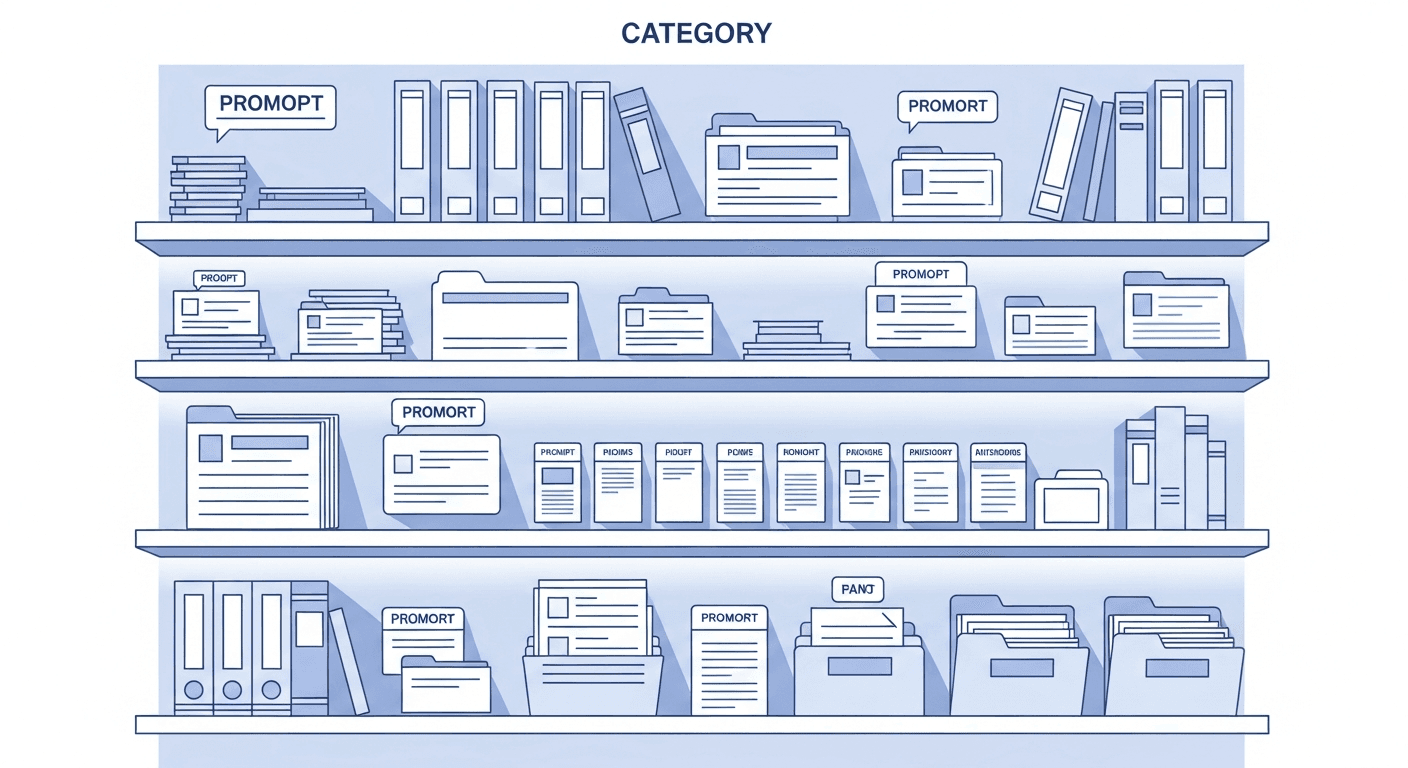
A prompt library is a searchable, organized collection of saved AI prompts that you can reuse across tools and tasks. Instead of rewriting prompts from memory or hunting through chat history, you pull proven prompts from a central repository - a simple folder of text files at minimum, or a purpose-built tool with search, tagging, templates, and team sharing at best.
If you use ChatGPT, Claude, Gemini, or any large language model (LLM) for real work, you need one.
The Problem a Prompt Library Solves
Every prompt that works is the result of effort. You iterate on the wording, adjust the format, refine the constraints, and eventually land on something that produces reliable output. Then you close the tab and never find it again.
Without a prompt library, your prompts live in three places - all unreliable:
- Chat history - buried under hundreds of conversations, lost when tabs close, inaccessible across tools
- Personal notes - scattered across Notion pages, text files, and copy-paste documents that go stale
- Memory - the most common and most fragile storage system available
The result is that you recreate the same prompts over and over. You know a good version existed somewhere. You cannot find it. You write something close and settle for output that is slightly worse than what you had before.
For teams, the problem compounds. Each person solves the same prompting challenges independently. The best prompt for a recurring task lives in one person's private account. When they leave, it leaves with them. For a full picture of this dynamic, see our complete guide to prompt management.
The cost is not losing the prompt itself - it is the time spent not having it and recreating it. A prompt library eliminates that waste by making every prompt you write a permanent, findable asset.
What a Prompt Library Contains
A prompt library is more than a pile of saved text. Each entry in a well-maintained library contains several components that make it actually usable.
The prompt text
The core of every entry is the prompt itself - the full text you paste into an AI tool. This includes everything from a one-line instruction to a multi-paragraph system prompt with role definitions, tone guidelines, and output format rules. Save it exactly as-is, not paraphrased or summarized.
A descriptive title and tags
A prompt titled "Email" is useless. A prompt titled "Customer Re-engagement Email - Lapsed User, Friendly Tone" tells you exactly when to reach for it. Tags extend discoverability further: email, customer-success, chatgpt, reusable let you filter by topic, department, and platform simultaneously.
Usage notes
This is the most skipped field and the most valuable one. A usage note explains context that is not obvious from the prompt text: when to use it, what inputs it expects, what model it was tested on, what kinds of outputs it produces. Without a usage note, a prompt saved by someone else - or by you three months ago - requires re-testing before trusting.
Variables and templates
Many prompts are one or two words away from being universal. Instead of saving separate prompts for every variation, a well-structured library uses prompt templates with variable placeholders - typically written as {{topic}} or {{audience}} - that you fill in at use time. One master template replaces dozens of near-duplicates and keeps your library manageable as it grows.
Version history
Prompts improve through iteration. The fifth version of a prompt usually outperforms the first by a wide margin. Version history lets you track what changed between iterations, understand what actually improved performance, and roll back if an edit made things worse. For shared prompts, version history is what prevents silent regressions - one person's edit breaking everyone else's workflow with no record of what changed.
Types of Prompt Libraries
Not every prompt library looks the same. The right type depends on your scale and situation.
Personal vs. team vs. enterprise
A personal prompt library stores prompts for your own workflow - writing, research, coding, analysis. It only needs to work for you, so the structure can be simpler, and access control does not matter.
A team prompt library is a shared workspace where multiple people contribute to and use the same prompts. It requires role-based permissions (who can edit vs. who can only use), clear naming conventions, and some governance over how shared prompts are updated. Building one is covered in our guide on creating a shared prompt library for your team.
An enterprise prompt library adds compliance requirements, integration with existing tooling, audit logs, and often approval workflows for prompts that produce customer-facing or regulated content.
Platform-specific vs. cross-platform
A platform-specific library stores prompts for a single AI tool - just ChatGPT, or just Claude. The advantage is simplicity. The disadvantage is that most serious AI users use more than one tool, and prompts saved inside one platform are not accessible in another.
A cross-platform library stores prompts in a neutral location accessible from any AI tool - typically through a browser extension that surfaces your library inside ChatGPT, Claude, Gemini, and others. This is the only approach that scales as your tool usage expands.
What Makes a Prompt Library Actually Useful
Most people who try to build a prompt library give up on it within a few weeks. The library grows, retrieval gets slow, and it is faster to just retype from memory. Four factors determine whether a prompt library remains useful over time.
Discoverability
You should be able to find any prompt in under ten seconds. This requires full-text search that works as you type, tag-based filtering, and a folder structure that reflects how you actually work - not an idealized taxonomy you designed upfront. If retrieval is slow, you stop using the library for everyday prompts. You keep only the rare, complex ones in there. At that point the library has failed its core purpose.
Completeness of each entry
A prompt saved without context is a prompt you will have to re-evaluate every time you use it. Complete entries - with title, tags, usage notes, and documented variables - are reusable immediately. Incomplete entries are just archived text. Completeness is a discipline problem as much as a tool problem: you have to build the habit of filling in the metadata when you save, not retroactively.
Access speed
The gap between a prompt in your library and a prompt in an AI tool determines whether the library gets used. If the workflow is: open new tab, navigate to your library, search, find the prompt, copy, switch back, paste - that is 30 to 45 seconds per access. Multiply that across ten accesses a day and you have wasted real time. A browser extension that injects your library directly into the AI interface collapses that to a few seconds. Access speed is why never losing an AI prompt again requires the right tool, not just the right intention.
Maintenance
Prompt libraries rot without curation. Models improve and prompts written for GPT-3.5 perform differently on GPT-4o. Business needs shift. Better versions get discovered and the old ones become noise. A useful library has clear ownership for each shared section - someone accountable for keeping prompts current, removing outdated entries, and reviewing additions.
How to Build Your First Prompt Library
The fastest way to fail is to design the perfect system before saving a single prompt. Start with what exists, then build structure around it.
Step 1: Capture existing prompts. Go through the last month of chat history in every AI tool you use. Find the conversations where the output was actually good. Save those prompts. Do not organize yet - just capture.
Step 2: Create 5-8 folders. Group what you captured into categories that map to your real work. These might be task-based ("Content Writing," "Data Analysis," "Email Drafts") or role-based ("Marketing," "Engineering," "Research"). Do not create more folders than you have prompts to fill them.
Step 3: Templatize repeating prompts. Look for prompts where you changed only one or two words each time you used them. Convert those to templates with {{variable}} placeholders. This is where the leverage is: one template replaces a dozen near-duplicates and stays useful far longer.
Step 4: Share at least three prompts. If you work with a team, move the three prompts most likely to benefit others into a shared folder. Ask for one prompt back in return. This starts the compounding effect of collaborative prompt management. A prompt engineering workflow built around shared assets produces better outputs than individual experimentation.
After these four steps, you have a working library. It will not be perfect. A working imperfect system beats a perfect theoretical one.
Frequently Asked Questions
What is the difference between a prompt library and a prompt manager?
These terms are often used interchangeably, but there is a useful distinction. A prompt library is the collection itself - the set of saved, organized prompts. A prompt manager is the tool or system that hosts the library and provides features around it: search, templates, versioning, team sharing, browser extension access. You need both, but they are not the same thing. For a full comparison of available tools, see our roundup of best prompt management tools.
Do I need a prompt library if I only use ChatGPT?
Yes, but for a different reason than multi-platform users. ChatGPT's conversation history is not a library - it is a chronological log with minimal search. Prompts that worked well are buried under everything else you have done. A dedicated library gives you fast retrieval by task rather than by date. If you ever add Claude or another tool, cross-platform access becomes essential immediately.
How many prompts should be in a library?
There is no target number. A library of 20 highly reliable, well-documented prompts with fast retrieval is more valuable than a library of 500 entries you cannot search through. Quality and retrieval speed matter more than volume. Most individual users find that 30 to 80 prompts covers the majority of their recurring work. Teams can grow into the hundreds.
What is the best format for saving prompts?
Save the full prompt text - not a summary, not a paraphrase. Pair it with a descriptive title that tells you when to use it, tags that reflect the task and platform, and a brief usage note covering any non-obvious context. For prompts with variable parts, use a consistent placeholder format like {{variable_name}} so any tool or system can parse them. The format matters less than the consistency: whatever you choose, apply it to every entry.
How is a prompt library different from a knowledge base?
A knowledge base stores documents and information that an AI system reads from - supporting retrieval-augmented generation (RAG) or serving as a reference resource for humans. A prompt library stores the instructions you give to AI, not the content AI reads. They solve different problems. A knowledge base gives AI what to know. A prompt library gives AI how to behave and what to do. Some teams use both, but they should not be confused.
For a platform-by-platform breakdown of how to organize prompts in ChatGPT, Claude, and Gemini specifically, see our ChatGPT prompt organization guide, Claude prompt manager guide, and Gemini prompt management guide.
Prompt libraries are the difference between AI being a useful daily tool and a daily exercise in reconstruction. Every prompt you write and lose represents effort that should compound over time, not reset on the next session.
PromptAnthology is built specifically for this: a cross-platform prompt library with browser extension access, team sharing, templates, and version history - so every prompt you write becomes a permanent asset, not a one-time input. Start building your library today and stop rewriting prompts you have already written.